

Fatigue, Stress & Anxiety: Why You Feel Constantly Drained
Feeling exhausted has become so common that many people believe it’s simply…


Many of us now spend more time at our desks than anywhere else in the house. While sitting may not seem physically demanding, spending long hours in a poorly set-up workspace can place significant strain on your body. Over time, this can lead to neck pain, back pain, headaches, and other overuse injuries.
A properly arranged home office can make a big difference to your comfort, productivity, and long-term health. Below are practical tips to help you set up your workstation correctly.
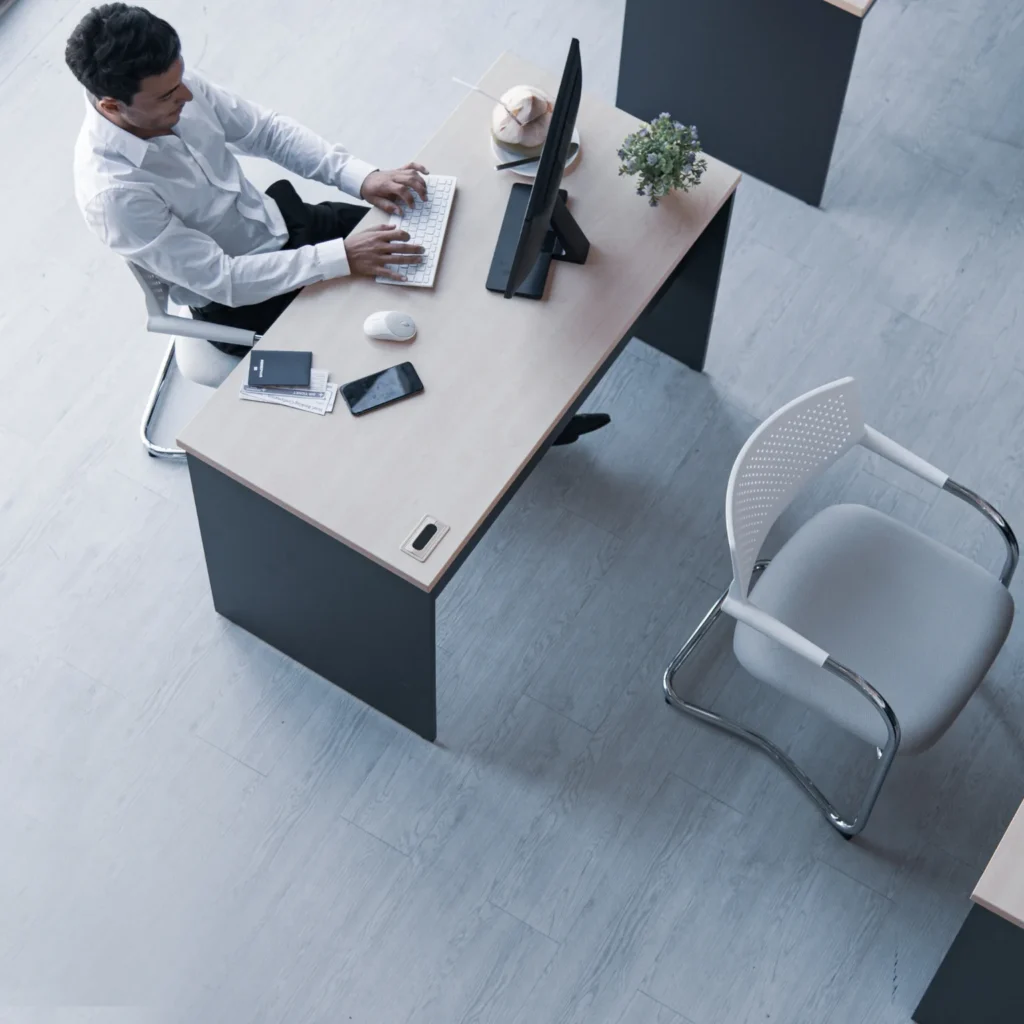
Start with your chair, as it forms the foundation of your setup.
Your feet should rest flat on the floor, and your thighs should be parallel to the ground. If your chair is adjustable, modify the height until this position feels natural and supported.
If your chair has armrests, they should allow your elbows to rest comfortably at an angle between 90-110 degrees, close to your sides. Your shoulders should feel relaxed-not lifted or hunched.
For additional lower back support, consider placing a small cushion or a rolled-up towel behind your lower back. This helps maintain the natural curve of your spine and prevents slouching.
If your chair is too high and cannot be adjusted, use a footrest to support your feet properly.
Your desk height should allow your arms to rest comfortably while typing. Your hands, wrists, and forearms should remain in a neutral position and roughly parallel to the floor.
Keep frequently used items – such as your keyboard, mouse, phone, and notepad – within easy reach to avoid repeated stretching or twisting. If possible, alternate hands when using your mouse or answering phone calls to reduce strain on one side of your body.
Your screen position plays a major role in preventing neck and eye strain.
The top of your monitor should sit slightly below eye level so your neck remains in a neutral position – not tilted up or down. This can significantly reduce the risk of neck pain and tension headaches.
Ideally, position your screen approximately 20-40 inches away from your face. This helps reduce eye strain and encourages a natural posture while reading and working.
If you’re using a laptop, consider a laptop stand or external keyboard to achieve the correct screen height.
Comfort is essential for productivity. If you’re distracted by stiffness, muscle tightness, or discomfort, your focus and efficiency will suffer.
Take regular movement breaks throughout the day. Sitting in the same posture for long periods can compromise joint and muscle health. Setting a timer to stand, stretch, or walk every 30–60 minutes can make a significant difference.
Whenever possible:
Small adjustments throughout the day can prevent long-term overuse injuries and reduce aches and pains.
If you are unsure about your workstation setup or are already experiencing discomfort, speak to your physiotherapist for personalised advice.
The information in this article is general in nature and not a replacement for professional medical advice. Always consult a qualified healthcare provider for an assessment of your condition.
At Masnad, we focus on practical, personalised solutions to help you work comfortably and stay pain-free. We assess your posture, workstation setup, and movement patterns to identify the root cause of discomfort. Our evidence-based approach ensures long-term results, not just temporary relief.
Whether you work from home or in an office, Masnad is here to help you move better and feel better every day.
If you’re experiencing neck pain, back discomfort, headaches, or stiffness from working at your desk, a professional assessment can help identify the cause and provide practical solutions.
Book an appointment today and take the first step toward a more comfortable, pain-free workday.
Feet flat on the floor, thighs parallel, back supported, and elbows at 90–110 degrees.
The top of the screen should sit slightly below eye level.
Every 30-60 minutes, stand and move briefly.
Yes, prolonged poor posture can lead to neck, back, and shoulder pain.
Many people live with pain, stiffness, or movement restrictions for weeks, months, or even years before seeking professional help.
Many people live with pain, stiffness, or movement restrictions for weeks, months, or even years before seeking professional help.

Are you in pain? Not sure if we can help you?
Book your initial appointment and receive 10% off any service!